That spinning beach ball, the printer that eats paper, the wifi that dies in the bedroom, the phone screaming storage full — none of it needs a support ticket. This hub is the calm, honest, step-by-step version of tech support you fix yourself: slow-computer fix priorities, restart-or-reset decisions, phone storage cleanouts, repair-versus-replace cost checks, device age and health checks, wifi and router troubleshooting, TV and printer fixes, email and browser basics, virus scan basics, honest data recovery expectations, when to call a professional, and a kind hand for teaching the people you love — all without jargon walls or panic. Free instantly; the full personalised report costs less than a coffee: $2.95.

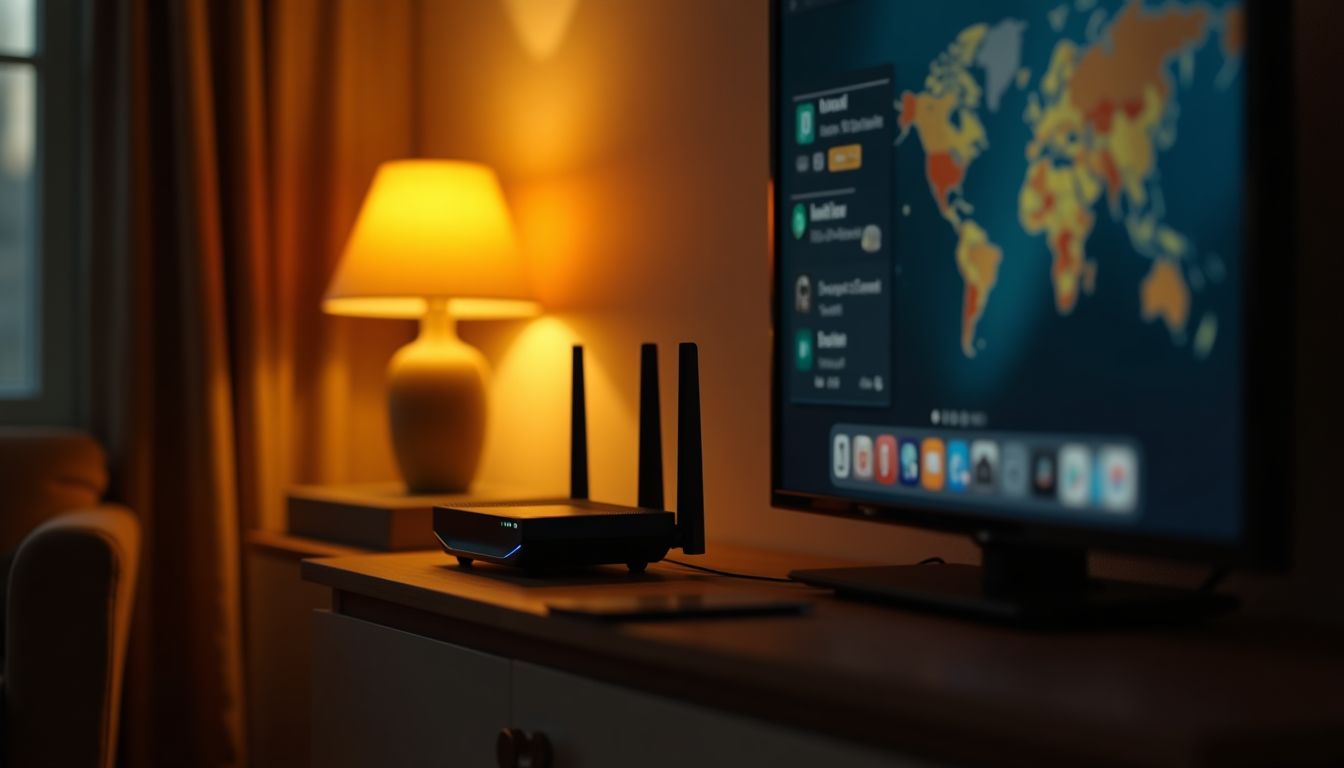
Buffering during movie night is rarely the streaming service and even more rarely the TV β but working out where the fault actually lives is the whole game. This guide walks the three families of streaming trouble: buffering and quality drops (usually bandwidth or wifi), apps that crash and freeze (usually the app, not the television), and the TV that cannot find the wifi at all (usually settings). The honest test that settles most arguments is delightfully simple: play the same show on a phone or laptop on the same wifi. If it streams perfectly there, the problem is the TV's wifi or app. If it struggles everywhere, the problem is the network or the plan. Every fix follows that split, in an order that never makes you buy hardware for an app bug.
A step-by-step guide to the streaming problems that interrupt movie night β buffering and low quality, apps that crash or freeze, a TV that cannot find the wifi, and the honest difference between a TV problem and an internet problem.
Buffering is usually the wifi link at the TV, not the internet plan: weak signal, distance or other devices hogging the network. Test the same stream on a phone beside the TV β if it plays there, the TV's wifi is the weak link.
App bugs are the most common cause β streaming apps on smart TVs are full of version drift. The fix ladder is: close the app fully, restart the TV (power off at the wall for a minute), update the app, then reinstall it, testing at each rung before moving on.
Blurry playback is the service honestly lowering quality because the connection cannot keep up. It is a signal about the network, not the TV β check the wifi strength at the TV and test other devices before blaming the service.
Every tool answers instantly from our own knowledge and calculators — no AI wait, no account. Calm, stepwise, plain-language troubleshooting, always educational and never a guarantee: devices, operating systems, software versions and prices vary and change, and the steps here are general guidance written to keep you safe while you try them. Back up important files before big changes, restart before you reset, and know the honest line where a qualified professional (or the manufacturer's warranty) is the right next step — especially for data you cannot lose, mains power, or hardware repairs you are unsure about. Results are estimates and reflection aids, and nothing you type is stored. Want the deeper, personalised version? Each has a $2.95 full report.